

View events
You can retrieve event list and view them on the map for any data range under the limitations of your tariff plan.
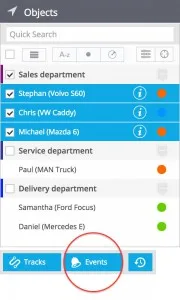
- Select required assets from objects list. You can take one or multiple objects. After you make your selection, click Events button below the list.
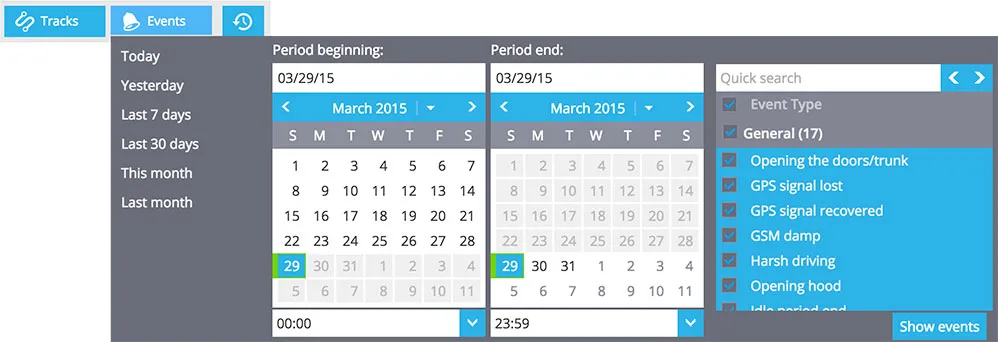
- Select date / time range and event types you need, then click Show events button to fetch the list of events.
- Click on event in the events list to see it on the map. The tag will also display date and time of the event and correspondent text message. Detailed information about selected events will be also displayed in the Information panel in the bottom of screen.
Links to map in notifications
When user receives a notification about some event, he can easily find out where it occurred. Each message contains a special short link which opens the map with the mark for that event. The map page is optimised for mobile and desktop browsers.