Unauthorized Movement
You need to be sure that your car is safe in your absence. In case your vehicle is off, but the car with mounted tracker starts moving, the platform will inform you about this Unauthorized movement. This function is useful when, for example, the car is evacuated or carjacked. The system will inform you by SMS / email notification.
How to create a rule
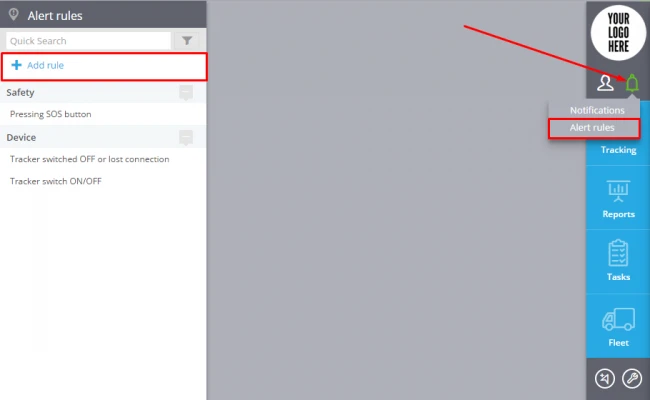
To add a new rule click "Alert Rules"( in the top right corner)->Add rule (in the top left corner).
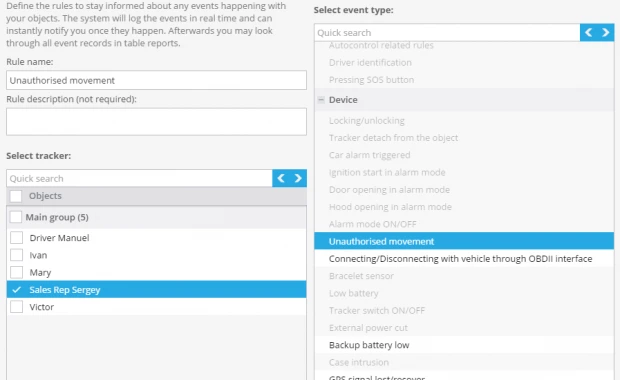
In the new window you should enter the rule name, its description, select tracker and event type "Unauthorized movement".
Click "Next"
Rule options
After creating a new rule you should set up the following parameters:
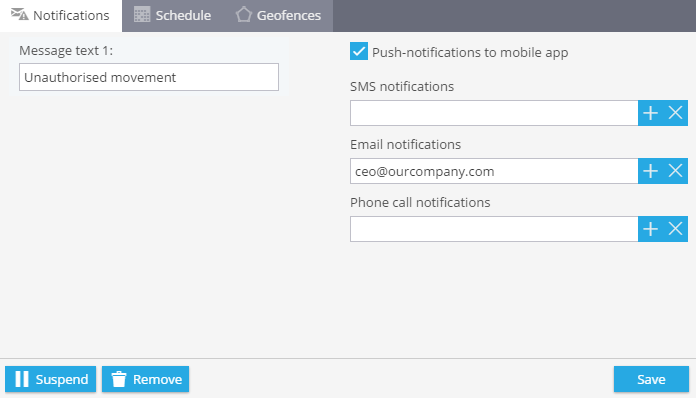
1. Notifications
Here you should type text of the messages you want to get and choose notification type.
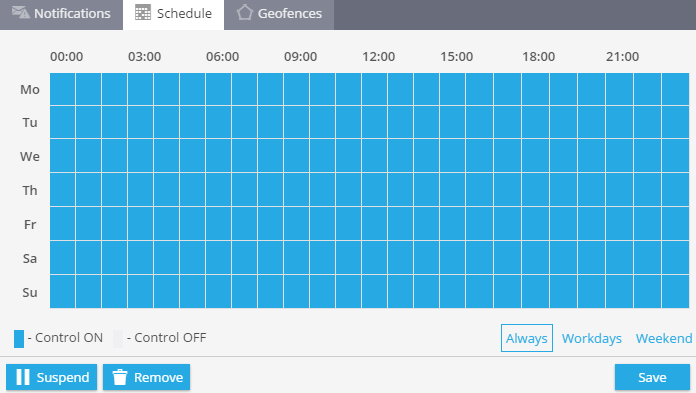
2. Schedule
In this block you are to set days and time when you want to control your assets.
3. Geofences
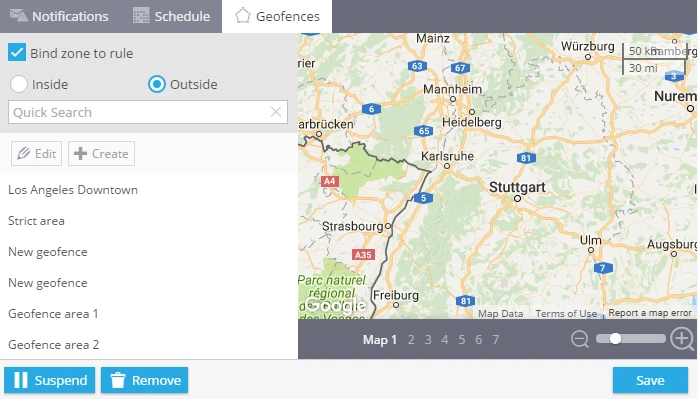
Choose a geofence where you want to control your trackers. You can select it from the list and edit it or create a new one.