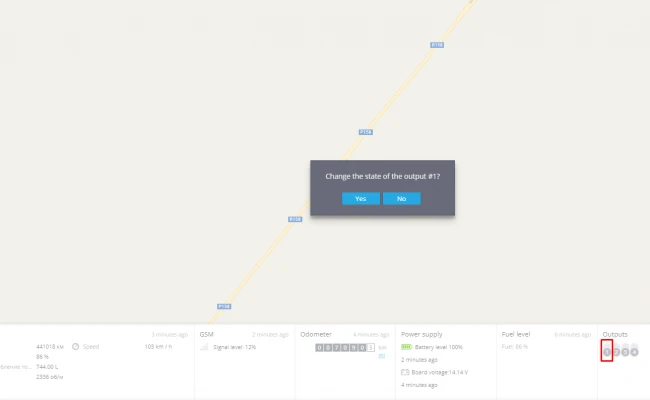
Outputs triggering
Most GPS devices are equipped with outputs. The number of outputs depends on each particular GPS hardware. By changing the outputs state in the widget bar of your monitoring account, you can manage various equipment (e.g. block/unblock the engine, arm/disarm the alarm, etc).
By setting this type of rule, you will be able to receive alerts by SMS or email about every change of the output's state.
How to create the rule
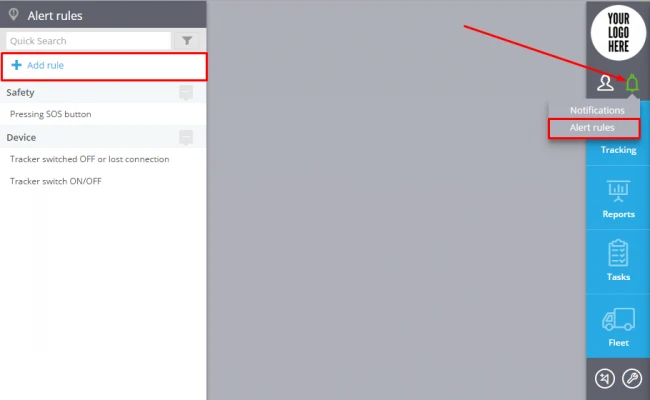
To add a new rule click "Alert Rules"( in the top right corner)->Add rule (in the top left corner).
In the window enter the rule name, rule description, select tracker and event type "Outputs triggering".
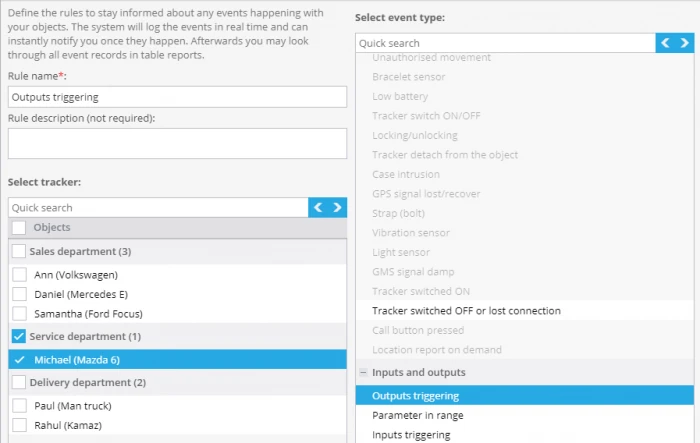
Click "Next"
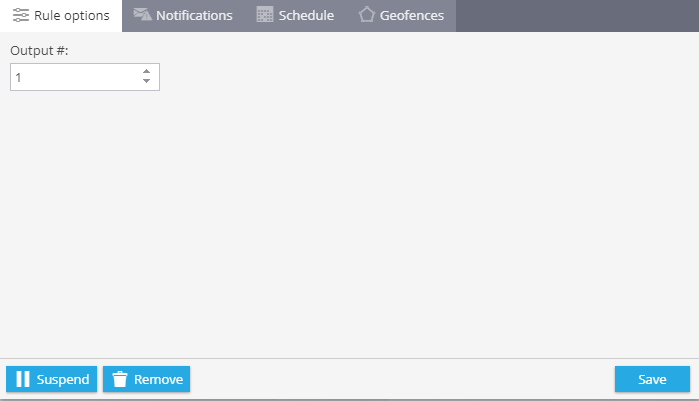
Rule options
After adding a new rule you should set its options.
1. Rule options
In this field you are to choose an input which you want to control.
2. Notifications
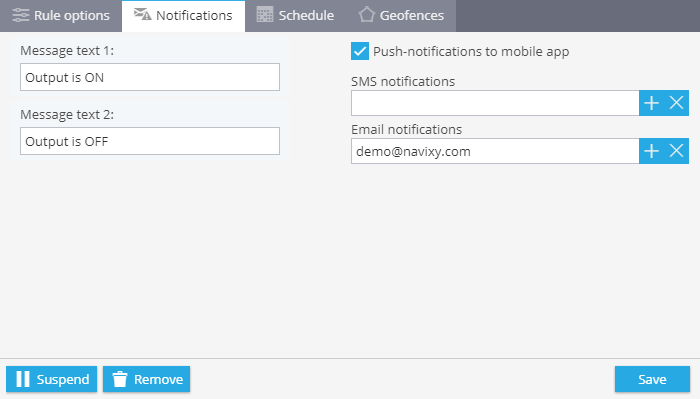
Here you should type text of the messages you want to get and choose notification type.
3. Schedule
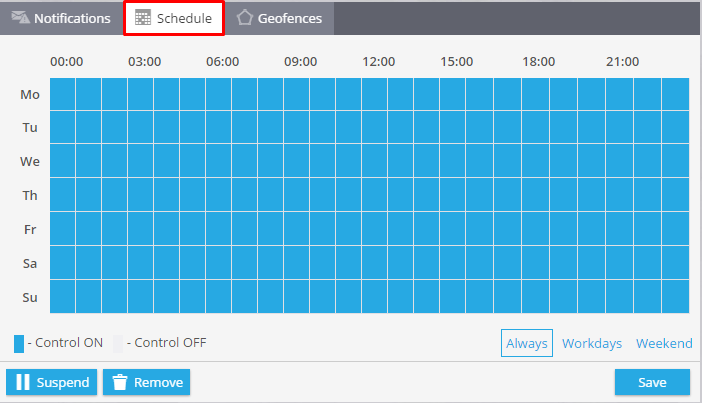
In this block you are to set days and time when you want to control your objects.
4. Geofences
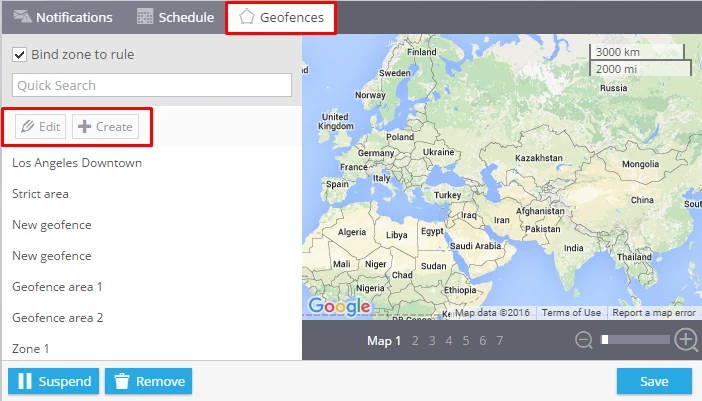
Choose a geofence where you want to control your trackers. You can select it from the list and edit it or create a new one.
By changing the output state from the platform or mobile app, you can smoothly block the engine of the vehicle if, for example, it was stolen. After clicking on the needed output, the platform will send a command to the device and block the engine.