Harsh driving
A lot of vehicle GPS trackers have a built-in detector of harsh driving. It constantly controls value of accelerations during speed-ups, braking and turns. This feature gives the ability to control driving quality of employees .
Firstly you should configure the detection of harsh driving, and create the rule "harsh driving", you will always know when the car pass the limit values, the system fixes the corresponding event. Further these "Harsh driving" events can be controlled by means of notifications and reports.
How to create the rule
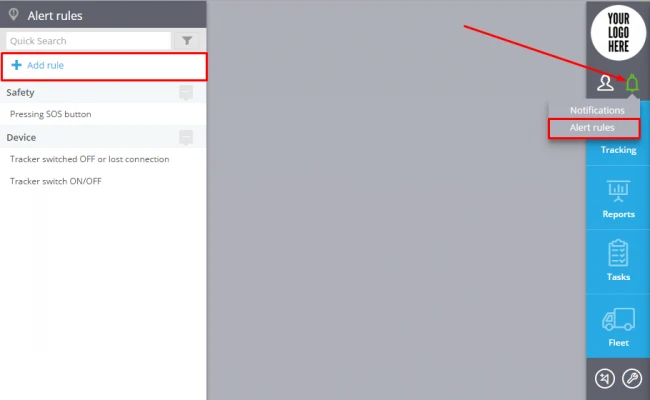
To add a new rule click "Alert Rules"( in the top right corner)->Add rule (in the top left corner).
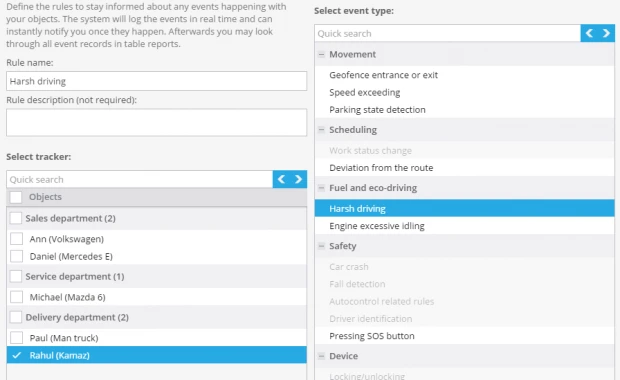
In the window enter the rule name, rule description, select tracker and event type "Harsh Driving".
Click "Next"
Rule options
After creating a new rule you should set up the following parameters:
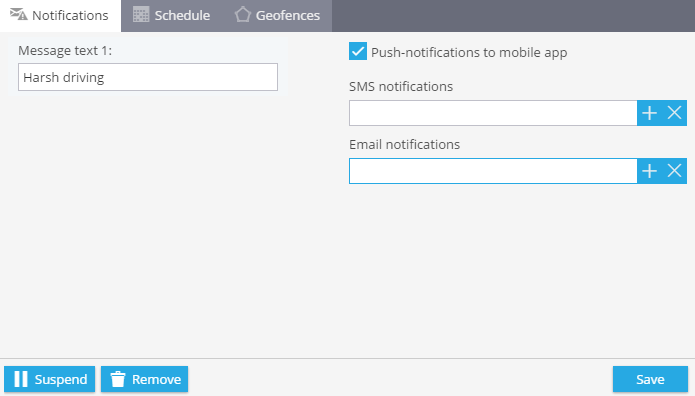
1. Notifications
Here you should type text of the messages you want to get and choose notification type.
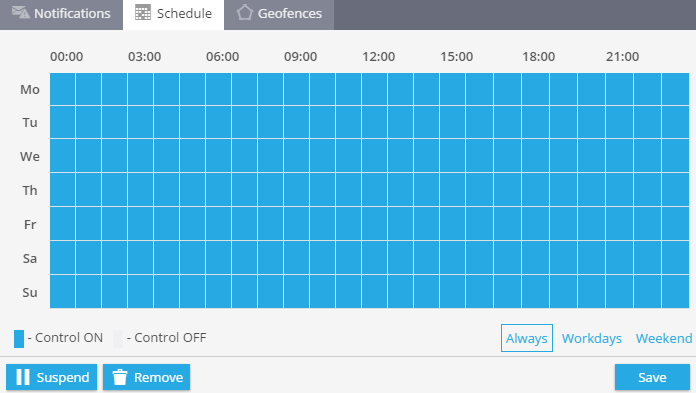
2. Schedule
In this block you are to set days and time when you want to control your objects.
3. Geofences
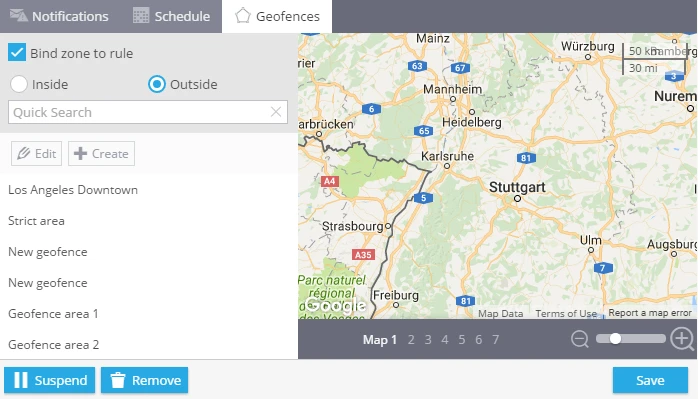
Choose a geofence where you want to control your trackers. You can select it from the list and edit it or create a new one.