Parking state detection
Some organizations want to control driving time of their vehicles. For example, vehicles shouldn't be used off duty. So this rule helps to stay aware about beginning / end of a trip. It sends notifications on your email address or phone number about parking state of your objects.
How to create the rule
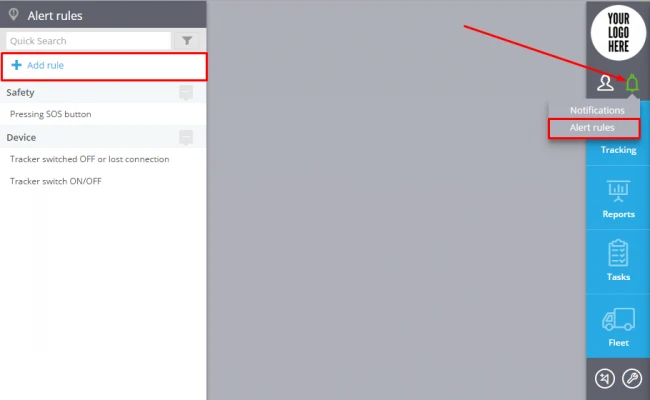
To add a new rule click "Alert Rules"( in the top right corner)->Add rule (in the top left corner).
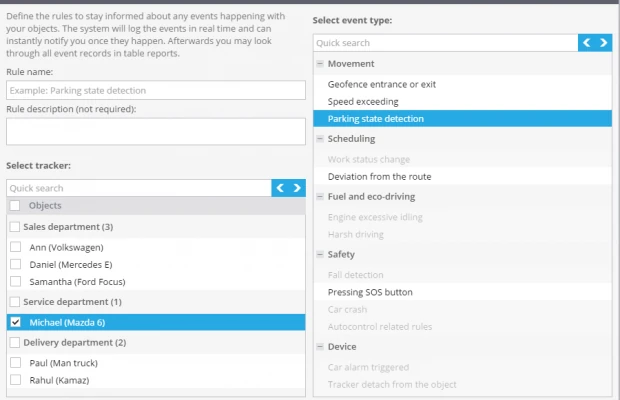
In the window enter the rule name, rule description, choose tracker and event type "Parking state detection".
Click "Next"
Rule options
After creating a new rule you should set up the following parameters:
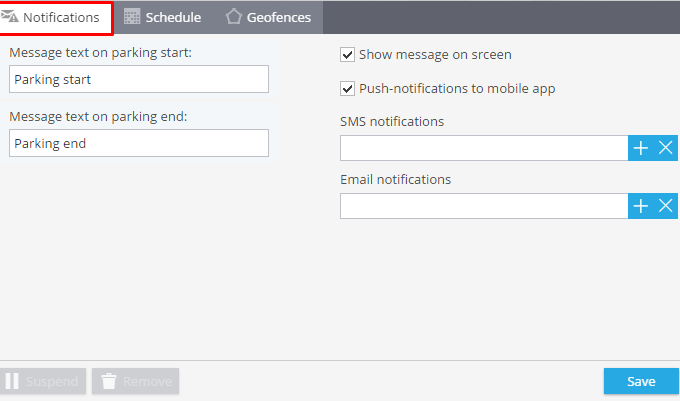
1. Notifications
Here you should type text of the messages you want to get and choose notification type.
2. Schedule
In this block you are to set days and time when you want to control your objects.
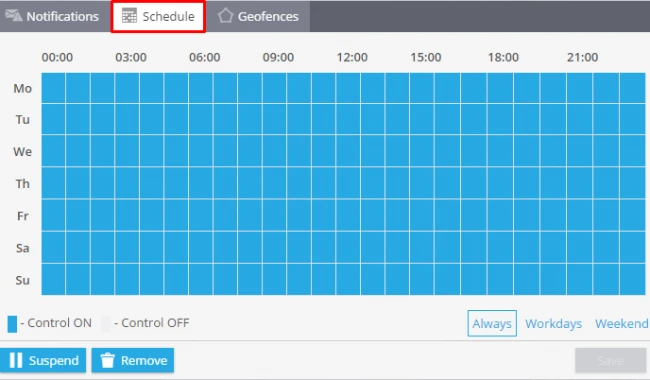
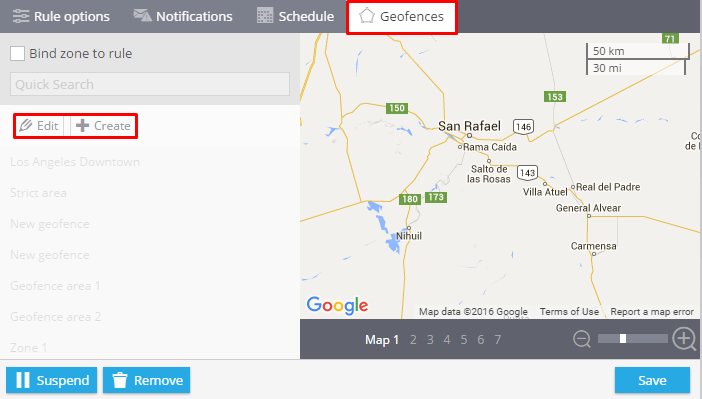
3. Geofences
Choose a geofence where you want to control your trackers. You can select it from the list and edit it or create a new one.
How to get the list of events
There are 2 ways of getting the list of events for one tracker or a group of objects.
1. In the app "Monitoring"-> Events history.
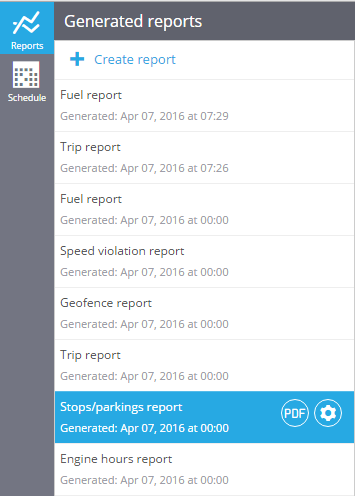
2. Using the generated reports "Stops / parking reports".