Driver Change
The rule "Driver change" will be useful for the organisations, where multiple drivers use the same vehicle. Having set up this feature, you will always be aware of who drives at the moment; the system informs you by SMS or email you indicated, and also send notifications to X-GPS.Monitor application.
Notice: The "Driver change" rule is available only for the devices with connected RFID or i-Button reader (or any other equipment for driver identification).
How to add the rule
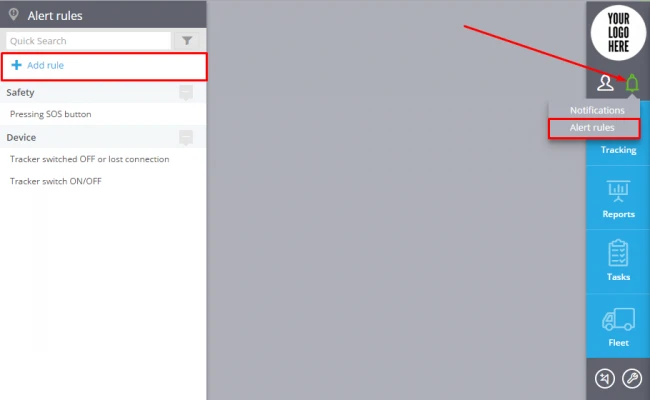
In order to add the new rule follow "Alert rules" app (in the upper right corner) and click the "add rules" button (in the upper left corner).
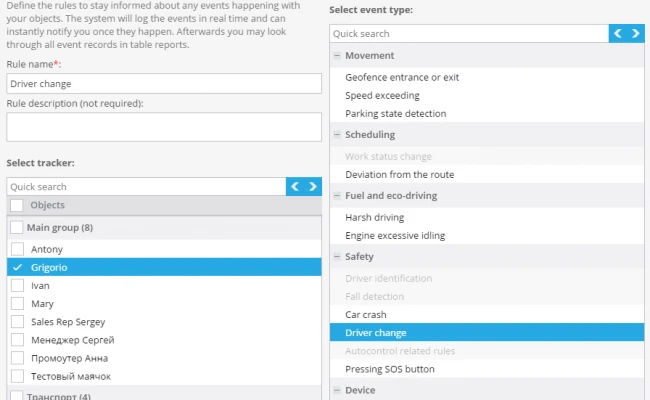
In the opened panel specify the rule name, its description, choose the device and event type "Driver change".
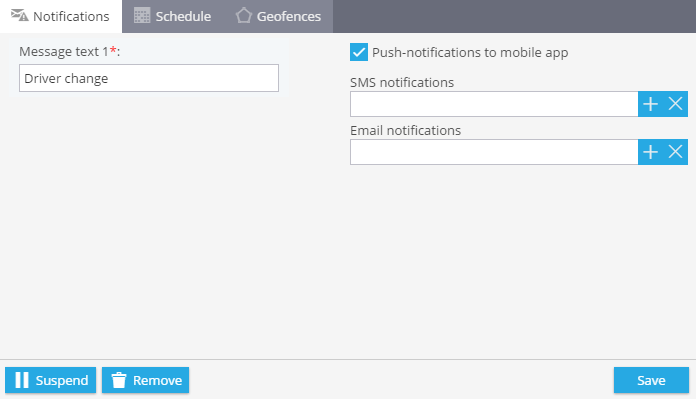
1. Notifications
In this part it's necessary to indicate content of messages and choose notifications ways.
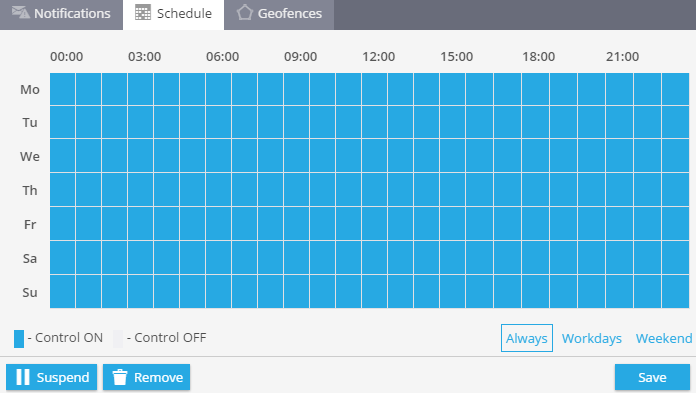
2. Schedule
In this section you may choose time and days of the week when events control are exercised.
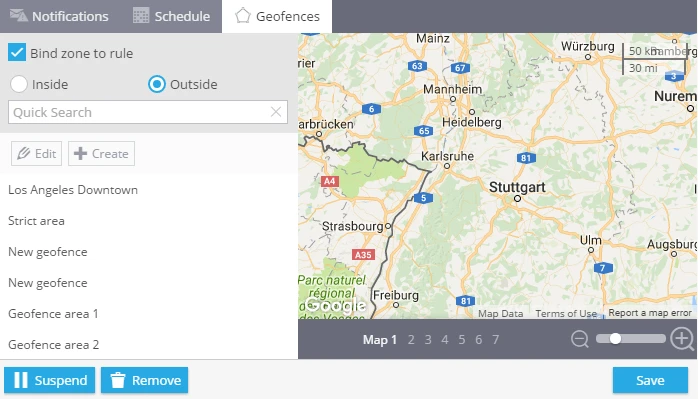
3. Geofences
Here geofence may be indicated where the control occurs. It's also possible to create new geofence.